How to Make a Lake in Minecraft: 5 Steps That Work
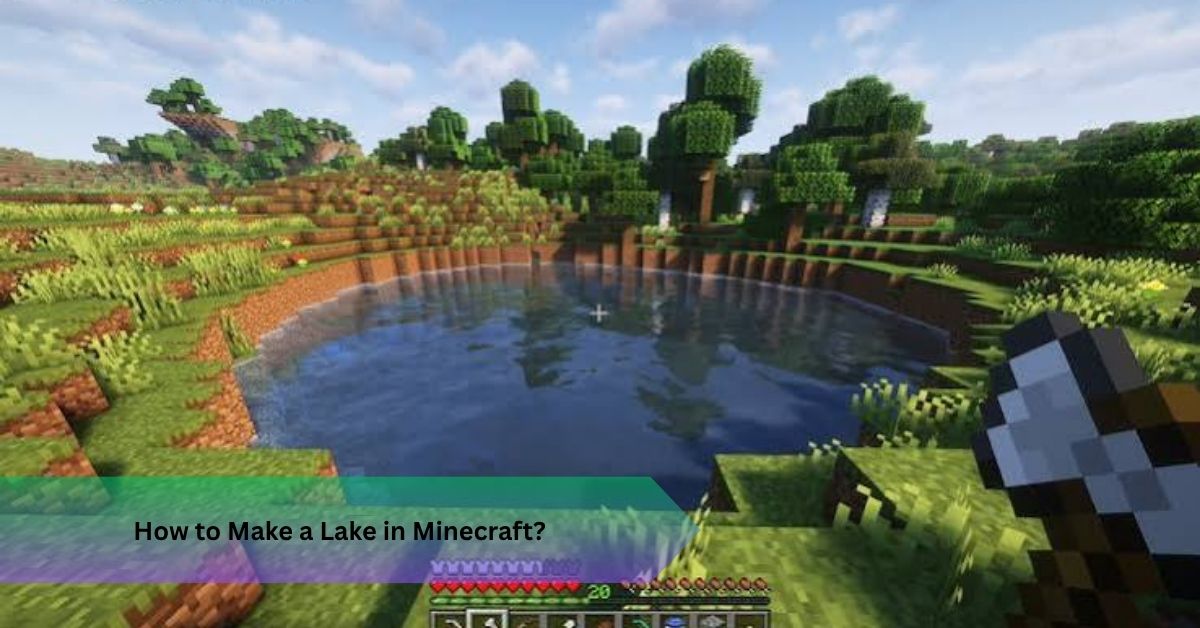
You dug a hole, dumped a bucket of water in it, and now you have a puddle with a current that drags your boat sideways. Most players hit this wall once. Learning how to make a lake in Minecraft takes about twenty minutes when you understand how water spreads, and it works in Java Edition for both survival and creative worlds.
Quick Answer: To learn how to make a lake in Minecraft, mark an irregular outline, dig two to four blocks deep, shape the floor, then place water source blocks on every second block of each layer. Empty gaps between two sources fill themselves. Finish with a soft shoreline so the water looks natural.
What You Need Before You Start Digging
Gather a shovel, a pickaxe, and two water buckets. Two is all you will ever need, and I will explain why shortly. Add dirt, sand, gravel, and clay for the lakebed, plus a stack of spare blocks for temporary walls.
For underwater work, a helmet with Respiration and Aqua Affinity helps a lot. A Night Vision potion makes the lakebed visible while you shape it. Glowstone and sea lanterns both work underwater if you want lighting later.
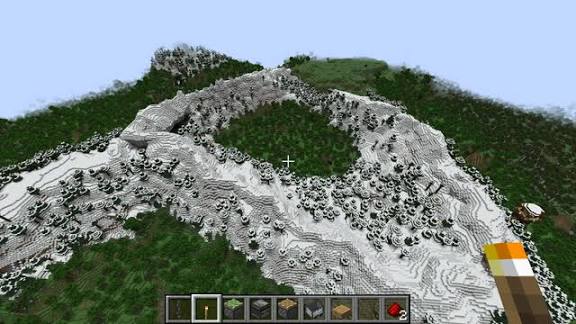
Location matters more than people admit. A flat plains area gives you the most freedom, while a valley between hills saves digging and suits a Minecraft mountain lake tutorial style build. Pick a spot near your base if you plan to fish or farm beside it.
Plan the size too. A small lake of about 8 by 8 blocks suits a garden. Anything past 20 by 20 becomes a landscape feature, and it will take real time to dig and decorate.
Now that the kit is ready, let’s start the build.
How to Build a Lake in Minecraft Survival, Step by Step
Step 1: Mark the Outline
Place scattered blocks along the edge of your future lake. Curve them. Add a bump, a bay, and maybe a spot for a small island. Perfect squares scream “artificial,” and that is the number one reason a Minecraft artificial lake looks fake.
Step 2: Dig the Basin
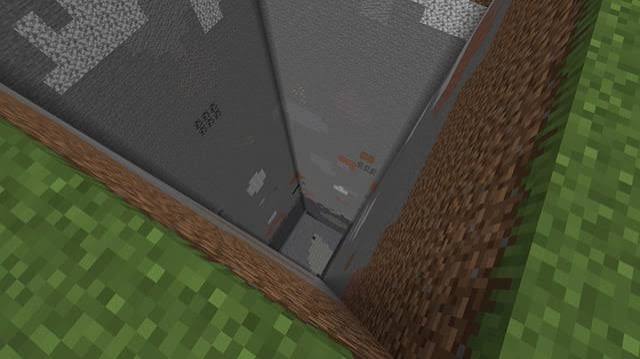
Remove everything inside the outline. Make the edges shallow, one block deep, and drop to three or four blocks in the middle. Wider is better than you think, because the sloped edges will eat roughly a third of your usable water area.
Step 3: Shape the Lakebed
Cover the floor with a mix of sand, gravel, clay, and dirt. Random patches look far better than one material. Smooth any sharp ledges, since those create odd flowing water later.
Step 4: Fill With Water
Start from the bottom layer, not the top. This is the heart of how to make a lake in Minecraft, so the next section covers it properly.
Step 5: Finish the Shoreline
Blend grass, dirt, sand, and a few stone blocks around the rim. Add tall grass and flowers. Hide every trace of digging.
How to Fill Your Lake Without Flowing Currents
Minecraft has two kinds of water: source blocks and flowing water. A source block stays put. Flowing water travels outward a few blocks and vanishes. Here is the rule that makes everything easier: an empty block that touches two source blocks on the same level, with solid ground or water below it, turns into a new source block.
That is called water source replication, and it explains why you need only two buckets. Place a source, place a second one beside it, and the gap fills. Scoop one back up and it regenerates. You get an infinite water collection point wherever you want one.
For a basin, fill the bottom layer by placing sources on every second block along each row. The checkerboard water pattern leaves gaps that fill by themselves. Move up one layer and repeat. A two block deep lake takes minutes this way.
Imagine you finish a huge basin, tip your bucket in at one corner, and watch a thin stream creep across the floor and stop short. That happens because flowing water only travels about seven blocks. Layering sources solves it.
For a stubborn rim, place a temporary dirt layer one block above the water level. It stops spills while you work. Remove it last, then check the edges for leaks.
Three mistakes I see constantly:
- Filling only the perimeter and forgetting the center
- Leaving air pockets beneath the surface
- Pulling out support blocks too early and creating accidental waterfalls
Once the water sits level and still, the lake is functional. Now make it beautiful.
Make Your Minecraft Lake Design Look Realistic
If you want to know how to create a natural lake in Minecraft, copy what real shorelines do. Mix gentle slopes with a few rocky banks. Add a tiny beach on one side and a grassy overhang on another.
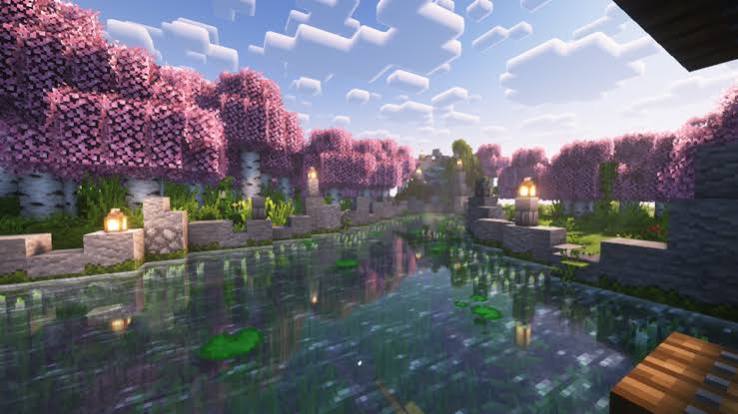
Underwater details do the heavy lifting. Plant seagrass and kelp on the floor, then scatter gravel and a few stone blocks as boulders. For a Minecraft lake with lily pads, place them on source blocks near the shore, where real ones would grow.
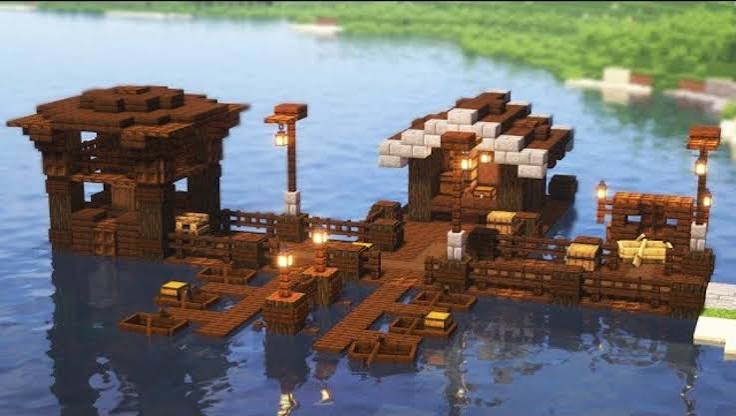
Landscaping sells the whole scene. Oak and birch trees suit most biomes, and fallen logs add texture. A short dock and a lantern or two make a Minecraft fishing lake build feel lived in. Planning a Minecraft lake house design? Keep the house at least three or four blocks back so reflections stay clean.
Waterfalls need terrain to justify them. Put one where a cliff already exists, and feed it from a hidden source block above. A waterfall in the middle of flat grass looks wrong.
Shaders are optional, though they transform a Minecraft lake build with real reflections and richer water color. They do cost performance, so test on your device first.
Pond vs Lake: Picking the Right Size
| Type | Size | Best For |
| Pond | Under 10 by 10 | Gardens, farms, villages |
| Lake | 15 by 15 or larger | Bases, fishing, swimming |
A pond takes under half an hour. A full lake is a weekend project, though the result changes how your whole world feels.
In my experience, deep lakes look dramatic but shallow ones are easier to decorate. A good compromise: keep the first four blocks from the shore shallow, then drop the center to four blocks deep.
Swimming, Fishing, and Everyday Use
Swimming is simple. Hold jump to rise and sprint forward to move faster underwater. Your air meter drains after about fifteen seconds, so build steps or a ladder at the edge for exits.
To take water without ruining the surface, scoop from a source block near the edge, then place it back. Replication repairs the gap automatically if two sources remain beside it.
Add a storage chest near the dock and light the area well, since hostile mobs spawn in dark spots around water.
Frequently Asked Questions
How do you make a simple lake in Minecraft?
Outline the shape, dig it out, cover the floor with sand and gravel, fill layer by layer with water, then add grass and plants around the edge.
How deep should a lake be?
Two blocks works for a decorative pond. Use three or four if you want swimming and underwater decoration.
How do you stop water from flowing?
Use source blocks, not flowing water. Fill every gap and make sure the surface is level before removing temporary blocks.
Can you build a lake in survival mode?
Yes. All you need is a shovel, a pickaxe, and two buckets.
How do you make a lake look natural?
Use curved edges, different depths, mixed floor blocks, and plenty of trees and flowers.
Final Thoughts
Now you know how to make a lake in Minecraft: curve the outline, vary the depth, fill in layers, and soften the shoreline. Start with a small pond this weekend, and once it looks right, expand it into a full lake.
Recommended Articles
How to Mine in Minecraft: Quick Guide to Ores, Depth & Safety
What Do You Do in Minecraft? Your First Day Survival Guide
Minecraft Online: How to Play With Friends, Multiplayer Options & Safety Guide
How Do You Jump in Minecraft? Distance, Height & Movement Guide
What to Put in a Minecraft House: 25+ Ideas for Every Builder