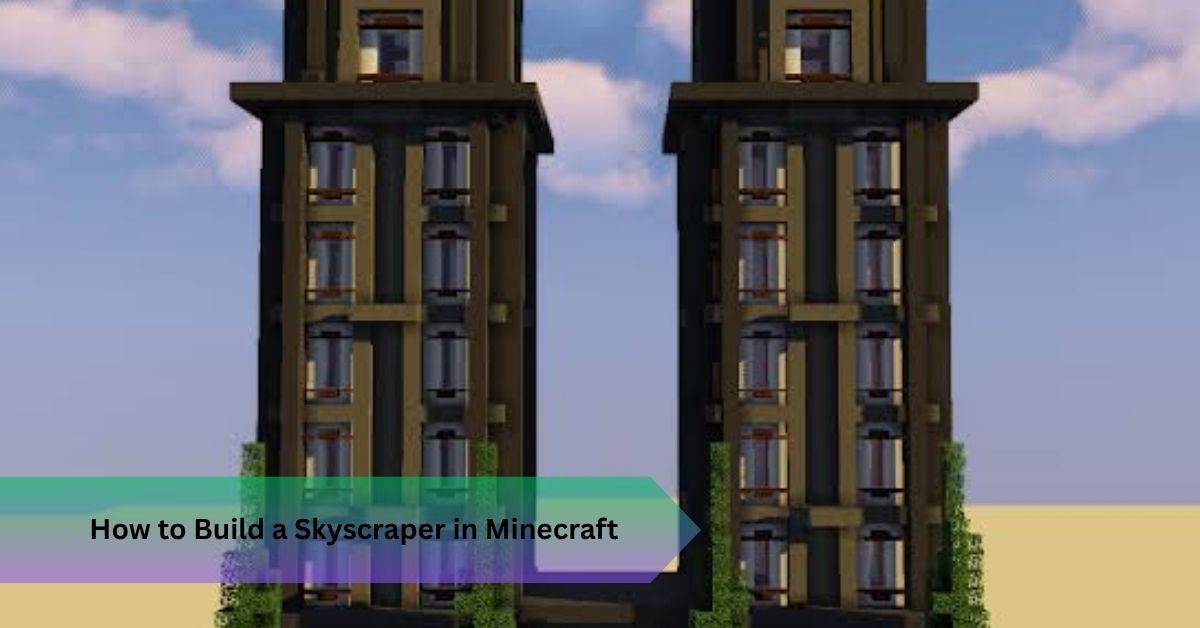
How to Build a Skyscraper in Minecraft: 7 Pro Tips
Your first tower probably looked great for about ten floors. Then it started resembling a glass filing cabinet. If you’ve ever wondered how to build a skyscraper in Minecraft without it turning flat, repetitive, or oddly squashed, the answer is rarely more blocks. It’s better planning, plus a few tricks real architects use every day.
Here’s what most guides miss: towers fail because of spacing, not style. Height is easy. Convincing height is the craft. You’ll get the workflow I use, from blueprints to the final lighting pass, plus the numbers that keep your proportions honest.
Quick Answer: To build a skyscraper in Minecraft, sketch a footprint on the block grid, build a central core, and repeat a four block floor module upward. Add setbacks, trim, and lighting as you climb. Stay under the 384 block world height, then finish with landscaping at street level.
How to Build a Skyscraper in Minecraft Starts With a Plan
Why do so many towers stall around floor thirty? Because the builder never decided what the tower was supposed to be.
Pick an architectural style first. Modern architecture with a glass curtain wall is the most forgiving for beginners. An art deco design, like the Empire State Building, demands setbacks and vertical fins. Fantasy architecture works too, but it needs a strict building theme to hold together.
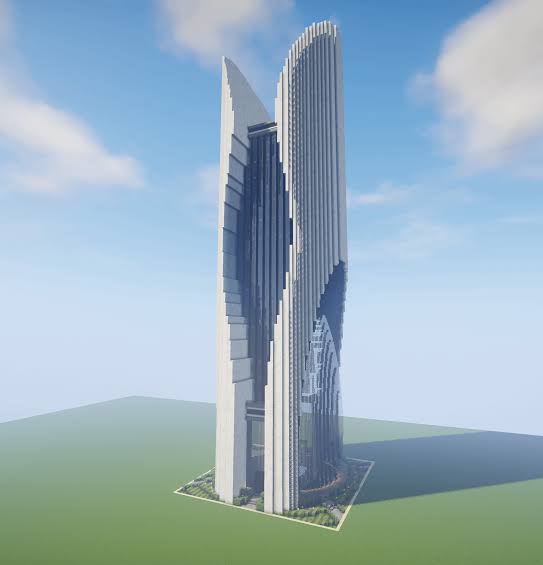
Next, sketch blueprints on graph paper or in a digital build planner. One square equals one block, so the Minecraft grid does the measuring for you. Mark a central core for elevators and stairs, then draw the perimeter around it. Real towers hang their floors from a core, and copying that logic gives your build structural authenticity. A footprint of 30 by 30 blocks is a comfortable start. Go below 20 by 20 and you’ll get a chimney, not a tower.
Decide the footprint and the height together, because one limits the other. With the plan settled, materials come next.
Choosing Materials for a Skyscraper in Minecraft That Looks Real
Wrong blocks can wreck a perfect outline. Right ones make a simple box feel expensive.
Build a material palette with three jobs: a primary frame, a secondary fill, and one accent. Light gray concrete for the frame, black stained glass for the windows, and quartz for trim is a classic modern combination. Save wood and stone for the lobby and plaza, where a warmer texture makes the base feel human.
Here are three palettes that have worked well for me:
- Glass modern tower: light gray concrete, black stained glass, quartz trim
- Art deco tower: smooth sandstone, gold block accents, stone brick crown
- Industrial tower: red bricks, iron bars, cracked stone bricks at the base
Varied materials add interest, but too many turn a tower into a patchwork quilt. Stick to three main blocks plus one accent. If you want extra realism, resource packs like Faithful or Patrix sharpen block textures and add surface variation. Texture mods can go further, though the honest downside is that they can slow older PCs, especially with a tall build loaded.
Materials set the look, but scale sets the believability.
How to Build a Minecraft Tower With Believable Scale
Imagine you’ve stacked forty floors, each six blocks tall, and only then notice your player looks like a mouse inside. That happens more often than anyone admits.
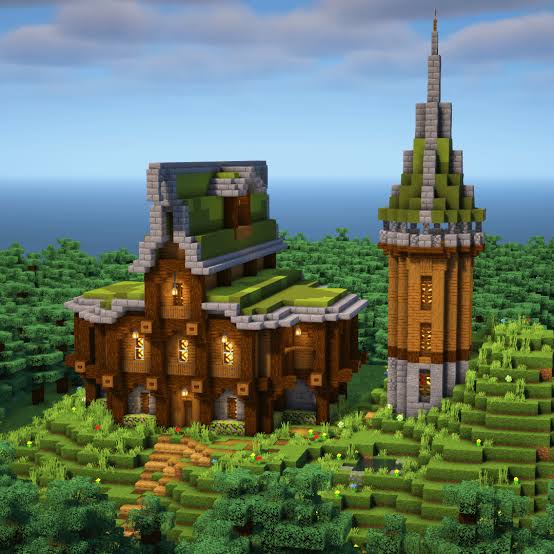
A player stands two blocks tall, so a floor of one slab block plus three air blocks gives comfortable headroom and roughly matches real floors, which run 3.5 to 4 metres. Make the lobby taller, around six to eight blocks. That single change makes the entrance feel grand.
Height is where spatial awareness matters most. Since version 1.18, the world runs from Y level negative 64 to 320, giving you 384 blocks to work with. Sixty floors at four blocks each costs 240 blocks, leaving room for a base and crown. A 1 to 1 Burj Khalifa at 828 metres simply won’t fit, and even the Empire State Building would swallow nearly the entire limit. Scale famous towers down by half and keep the proportions.
Use incremental layering. Build one finished floor, check it, then copy it upward in blocks of ten. On Java Edition, WorldEdit or Litematica makes this painless. Purists will argue it’s cheating in survival, and they have a point, but for creative builds it’s just smart workflow. Lock in a four block floor module and everything else lines up.
How to Build Minecraft Skyscraper Facades With Real Depth
Flat walls are the giveaway. Real towers cast shadows, and yours should too.
Recess every window by one block. Add pillars on a steady rhythm, say every four blocks, and use trapdoors as slim mullions between panes. Stair and slab ledges at floor lines create visual depth. Near the top, add roof overhangs, a parapet, and a mechanical penthouse topped with end rods for an antenna.
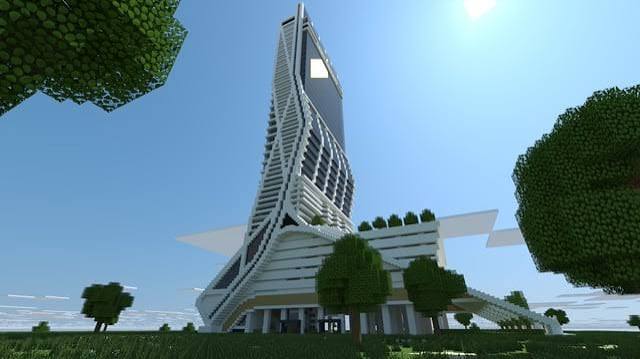
Here’s something the top guides skip. Real skyscrapers have mechanical floors, solid bands with no windows where the building houses its machinery. Drop one every 15 to 20 stories. A solid mechanical band breaks up the monotony and quietly tells the viewer’s brain “this is a real building.” Older or residential styles can add balconies with iron bars and window shutters, and setbacks every 15 floors give a tower that classic stepped silhouette.
Knowing how to build a Minecraft skyscraper facade is really about restraint, so you should think about what to leave plain, too.
Street Level and Interior Details for a Skyscraper in Minecraft
Stand at the base and look up. If the ground looks empty, the whole tower feels fake.
Add landscaping: a plaza, gardens, pathways, planters, fences, and a few trees.
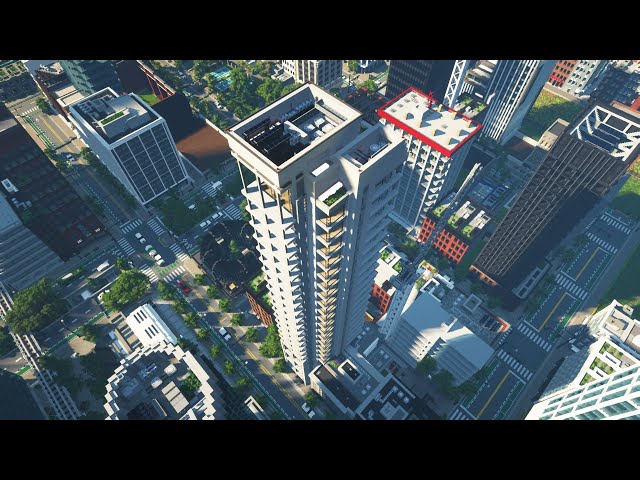
Weathered features suit older towers, so try mossy stone and cracked bricks near the foundation, plus uneven surfaces where the sidewalk meets the wall. Skip the moss on a glass tower, though. Grime belongs to brick, not polished curtain wall.
Lighting design is where towers come alive at night. Hide glowstone or sea lanterns behind the glass, and leave roughly a third of the windows dark so it looks like people are actually home.
Interiors deserve honesty too. Furnishing sixty floors isn’t realistic in survival. Do the lobby thoroughly, then furnish every fifth floor with believable room layouts: offices with desks, a kitchen, some furniture placement that respects human scale. Anyone flying past the windows will see enough to buy the illusion.
Mistakes That Sink a Tower
A few habits ruin otherwise solid builds:
- Perfect symmetry everywhere. Break it with one off center feature.
- Too many block types. Cohesion beats variety.
- Ignoring terrain. Blend the base into the surrounding landscape.
- Details without purpose. If a decoration isn’t a vent, a sign, or a light, cut it.
Fix these four and you’re ahead of most builders.
Frequently Asked Questions
How tall can a Minecraft skyscraper be?
A tower can reach 384 blocks, from Y level negative 64 to 320, in current Java and Bedrock versions. Leave room for the base and antenna.
Can I use these steps for how to build a skyscraper Minecraft style in survival mode?
Yes, but plan for resources. Concrete and glass take time to gather, so build in ten floor sections and use scaffolding for climbing.
What blocks look best on a skyscraper?
Light gray concrete, stained glass panes, quartz, and polished andesite are the safest picks. Add one accent block.
How many floors should a first tower have?
Try 30 to 40 floors. That’s tall enough to feel dramatic and manageable enough to finish.
Are texture packs worth using?
They help with surface variation and realism, but standard textures work fine if your proportions are strong.
Conclusion
Learning how to build a skyscraper in Minecraft comes down to a plan, a tight material palette, a four block floor module, and details that add depth without clutter. Height impresses nobody unless the proportions hold up.
Your next step is simple. Open a fresh creative world tonight, build a single finished floor, and copy it ten times before you touch any decoration. Judge the shape from the ground, then keep going.
Recommended Articles
How to Mine in Minecraft: Quick Guide to Ores, Depth & Safety
What Do You Do in Minecraft? Your First Day Survival Guide
Minecraft Online: How to Play With Friends, Multiplayer Options & Safety Guide
How Do You Jump in Minecraft? Distance, Height & Movement Guide
What to Put in a Minecraft House: 25+ Ideas for Every Builder