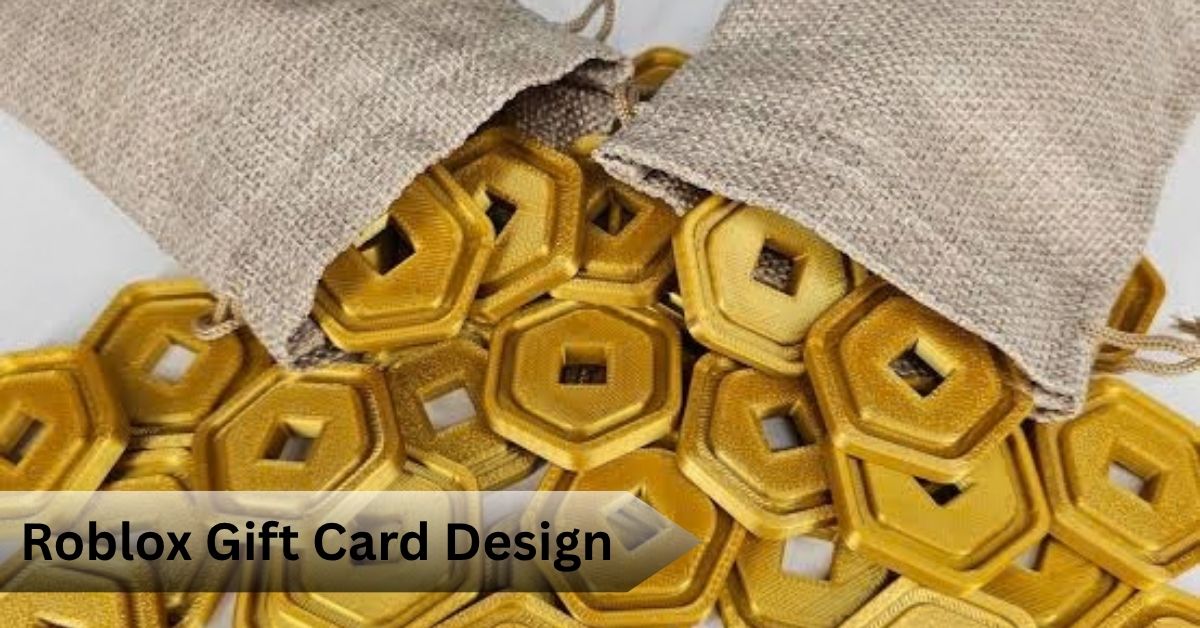
Roblox Gift Card Design: How to Customize and Create One
Picking a plain gift card feels lazy when the person you’re buying for actually plays Roblox every single day. A customized roblox gift card design turns a generic present into something that looks like you actually thought about it, and that difference is bigger than most people expect.
Quick Answer: A Roblox gift card design is an editable graphic template, usually built in tools like PosterMyWall or Canva, that you personalize with a name, message, colors, and gaming themed artwork. It is not the actual gift card code itself. You still need to buy a real Roblox gift card separately and pair it with your custom design.
What Is a Roblox Gift Card Template?
A template is a pre built layout with placeholder text, images, and colors already arranged. You swap in your own words and photos. Most platforms let you adjust fonts, backgrounds, and even the card dimensions before exporting to JPG, PNG, or PDF.
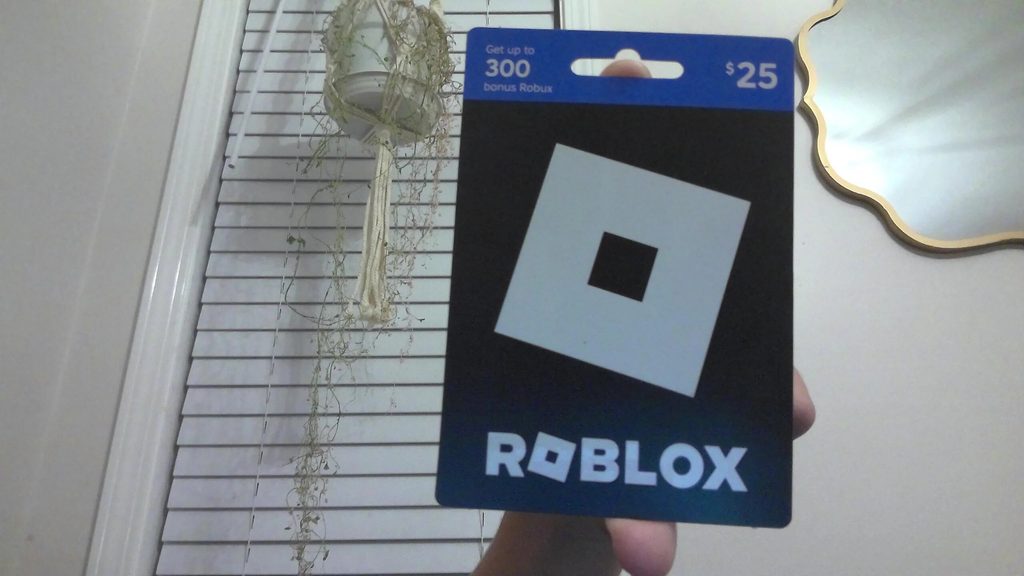
What you can typically customize includes the recipient’s name, a short gift message, the color palette, Roblox inspired graphics, typography, and small decorative elements like stars or coins.
Here’s what most guides skip entirely: a template is purely visual. It cannot hold, generate, or transfer Robux. The design and the actual redeemable code are two completely separate things, and mixing them up is the single most common mistake first time buyers make.
Where Can You Find Roblox Gift Card Templates?
Sites built for social graphics and digital signage, along with general design platforms, offer both free and paid options. When choosing one, check whether elements are fully editable, whether the file exports in a usable format, and whether the layout fits your intended use, whether that’s a text message, an email, or something printed.
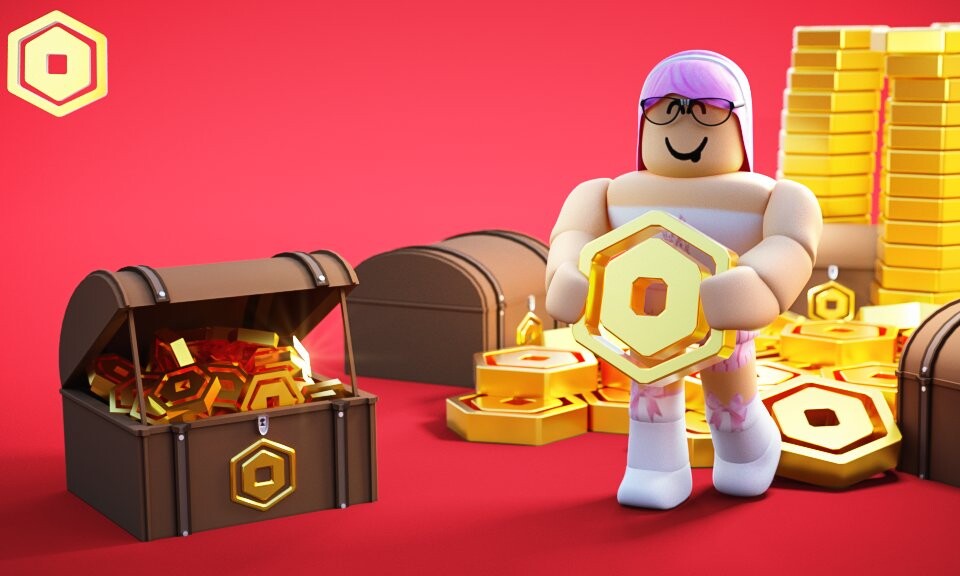
Be careful with designs that mimic official Roblox branding too closely. A fan made card should look inspired by the game, not pretend to be an authorized Roblox product.
How to Customize a Roblox Gift Card Design
Step 1: Choose a digital format for sharing online or a printable one for physical gifting.
Step 2: Replace the placeholder text with the recipient’s name and a short personal message.
Step 3: Adjust colors and add gaming themed graphics that match their favorite Roblox experiences.
Step 4: Drop in icons, decorative shapes, or a personal photo if the layout allows it.
Step 5: Proofread everything, check image resolution, then export.
In my experience, the biggest visual mistake isn’t bad color choices. It’s cramming too many elements onto one small canvas until nothing stands out.
Digital Versus Printable Formats
Digital designs, often built in a 16:9 format for screens, work well for quick sharing over text or social media. Printable versions need attention to resolution since anything under 150 dpi tends to look blurry once printed on card stock.
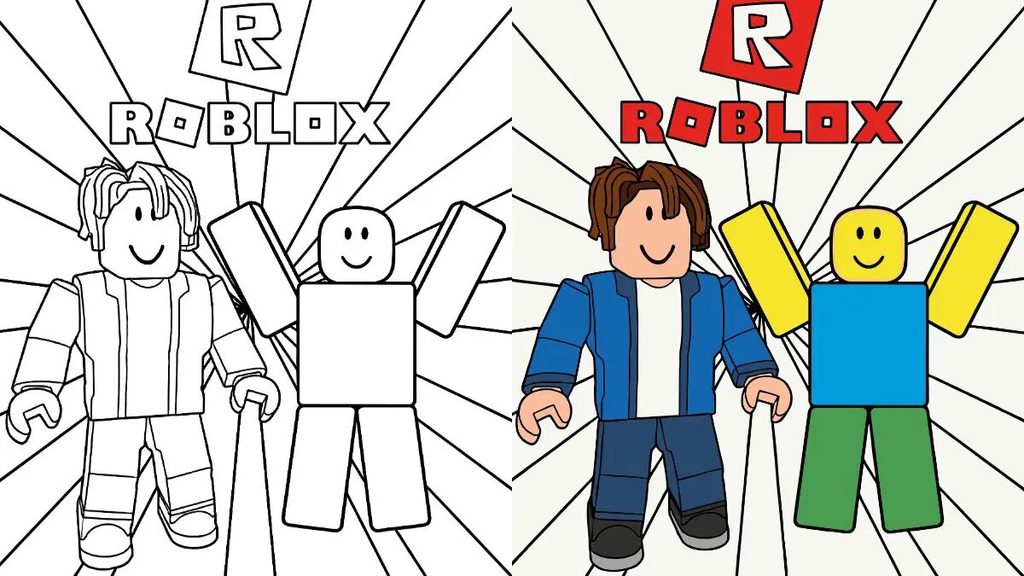
If remote gifting is the goal, go digital. For a physical surprise, print it. Nothing stops you from creating one design and exporting both versions.
Giving aa Roblox Gift Card Safely
This is where a lot of articles stay vague, so here’s the direct answer. A legitimate Roblox gift card includes a scratched off redemption code that gets entered on Roblox’s own redemption page. That code is where the actual value lives, not the artwork around it.
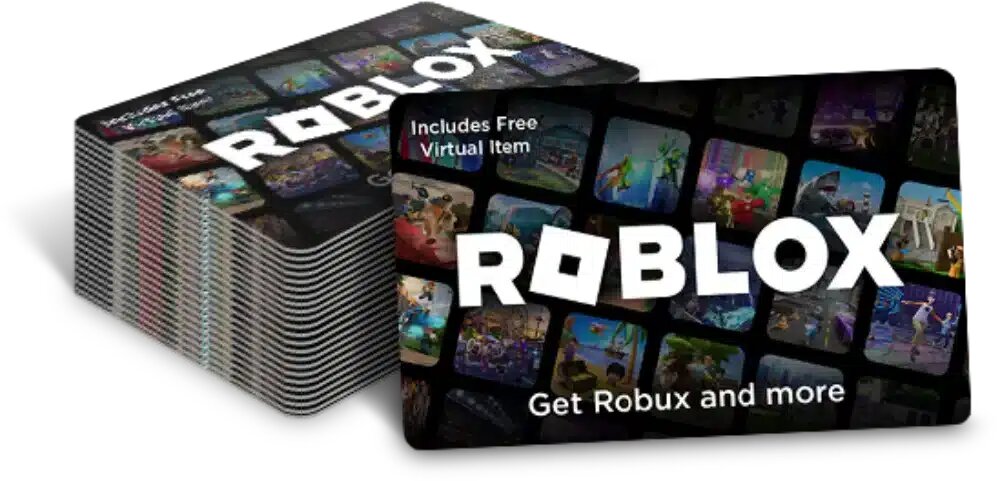
A template alone can never generate free Robux, no matter what a flashy generator site claims. Any offer promising free 10000 robux or free roblox skins in exchange for personal information is a scam pattern worth avoiding entirely. Never post an unused code publicly, and never attach real account details to a shareable design.
Checking your balance is simple and only needs the official Roblox redemption tool, no third party app required.
Design Ideas by Occasion
Birthdays call for bright colors and playful graphics. Holiday designs lean into seasonal themes layered with gaming elements. For graduations or achievements, a cleaner, more minimal layout usually reads better than something crowded. Personalizing with a favorite game theme or the recipient’s actual player name adds a nice touch few people bother with.
Common Mistakes to Avoid
Overcrowded designs lose their impact fast. Decorative fonts might look fun at first glance but often become unreadable on a phone screen. Low resolution images that looked fine on screen frequently turn pixelated the moment they’re printed. And again, avoid anything that makes a personal design look like an official Roblox product.
Frequently Asked Questions
Can I make my own Roblox gift card template?
Yes, using any design platform that supports custom text and image editing.
Are Roblox gift card templates free?
Many are, though premium options usually offer more customization.
Can a template give someone Robux?
No. Only an actual purchased gift card code carries real value.
Can I print a Roblox gift card design?
Yes, as long as the resolution supports print quality.
Where do I redeem a real Roblox gift card?
Only through Roblox’s official redemption page.
Conclusion
A well-made design pairs perfectly with a genuine gift card purchase. Get the template right, keep the actual code private, and redeem it only through Roblox directly.
Recommended Articles
7 Best Roblox Alternative Picks in 2026 (Ranked by Type)
Roblox Face Tracking: How to Set Up Your Animated Avatar
Roblox Simulators: 7 Best Life Sim and Roleplay Worlds to Try