How to Build a City in Minecraft: 9 Steps for Realistic Blocks
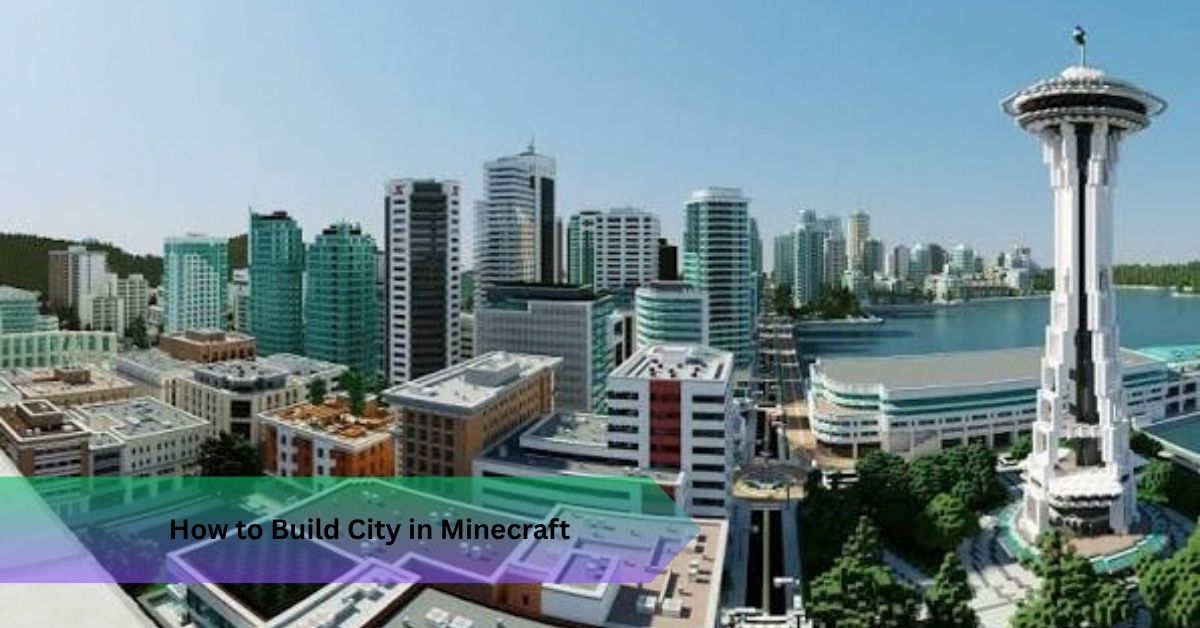
You spent three hours on a skyscraper, and it still looks like a glass shoebox. Sound familiar? Working out how to build a city in Minecraft takes one shift in thinking: every building needs a purpose and a plot, not just walls and windows. Get that right, and the rest falls into place.
Quick Answer: Learning how to build a city in minecraft means laying out roads first, giving every plot a purpose, and splitting each building into a bottom, middle, and top section. Stick to three or four main blocks, add rooftop and street details, then check every build from sidewalk level.
How to Build a City in Minecraft Starting With the Streets
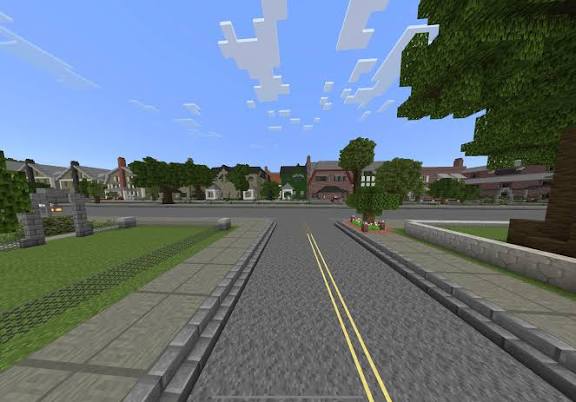
Most players open with a tower. I did too, and my early cities all felt like toy blocks scattered on a table. Roads come first, because streets decide plot sizes and plots decide buildings.
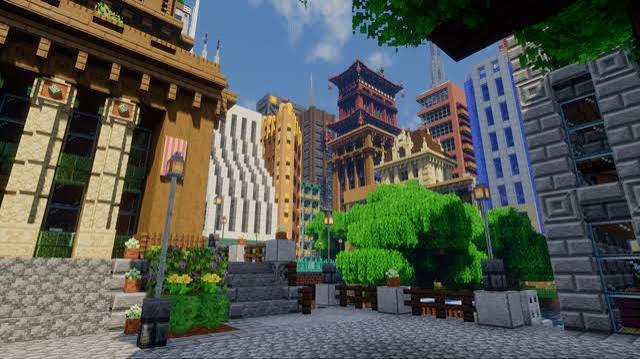
I lay out a grid of roads nine blocks wide, enough for two lanes and a sidewalk on each side, then slice through it with one or two diagonal roads. That breaks up the urban fabric so it never looks like graph paper. Leave room for a plaza or a small park, too. A business district without somewhere to stand feels dead.
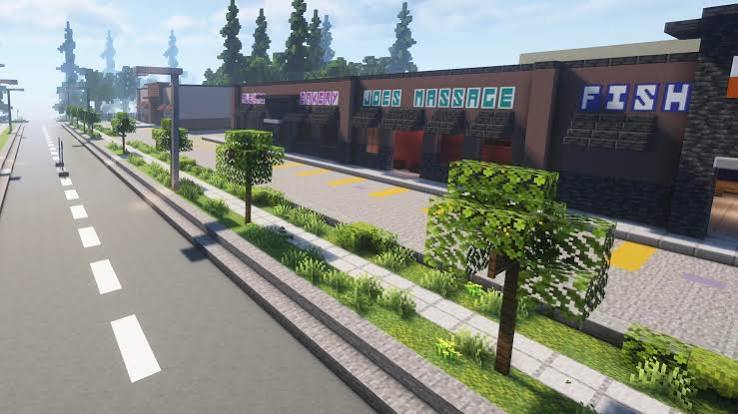
Next, give every building plot a job: apartments, office space, hotel rooms, a corner shop. Purpose drives design. Offices get wide window bands, apartments get balconies, and hotels get a grand lobby and reception area. Add a car park as well, since every real block has a parking area and almost no Minecraft city does.
Height matters just as much. Both editions let you build up to Y 320, but a downtown tower between 60 and 120 blocks reads best from the ground. Plan your skyline in three tiers: low shops, mid-height blocks, then a handful of towers. Taller isn’t better. Taller is just harder to finish.
Streets sorted, you can zoom in on a single building.
How Do You Make a City in Minecraft Look Real Up Close?
Real buildings follow a bottom, middle, and top logic. Copy it, and your builds gain instant credibility.
Start with the ground floor. Make it five or six blocks tall, a block or two taller than the floors above, with shopfronts, awnings, and a clear building entrance. Upper floors repeat at four blocks each, which gives you three blocks of window space plus a floor slab. Finish with a setback, a penthouse or terrace space, and a flat roof.
Reference matters here. 432 Park Avenue in Manhattan, a residential tower of roughly 425 metres, works because it repeats one square window grid with almost no clutter. Look up inspiration images before you build, because memory flattens everything.
Here’s a tip I rarely see in other guides: break every flat wall at least once per five blocks of width. Push windows back by one block, add pillars from stairs, slabs and trapdoors, and facade depth appears almost by magic. Want drama? Add a cantilever or overhang, but hide a column underneath so the structural integrity still looks believable.
Imagine you finish a hotel, fly down to the sidewalk, and the front looks like a flat poster. Facade depth fixes that in about ten minutes.
Depth only works with the right materials, though.
Choosing Blocks for Realistic City Buildings
Pick one main block, one secondary block, one accent, and one glass. That’s your block palette. Go past four materials and the build starts shouting.
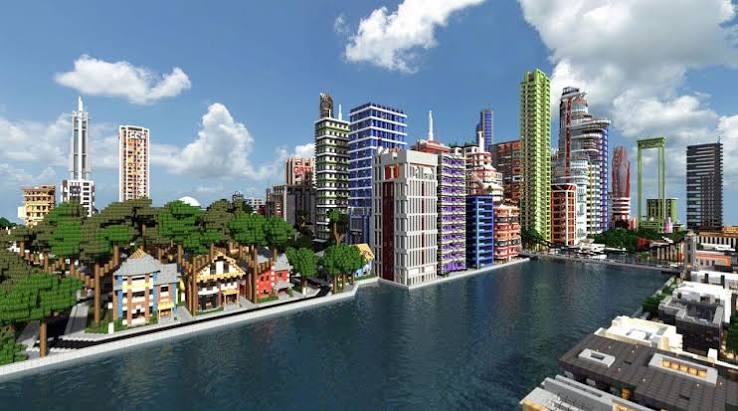
Combinations I trust:
- Office tower: light gray concrete, black concrete accents, light blue stained glass
- Apartment block: red or white bricks, spruce trapdoors, clear glass panes
- Hotel: smooth quartz, dark oak details, gray tinted glass
- Warehouse: stone bricks, iron bars, plain glass panes
Here’s the honest trade-off. Quartz looks clean but turns sterile fast. Mix in 5 to 10 percent cracked stone bricks or a slightly different gray, and you get an aged facade that feels lived in. Most beginners who struggle with how to build city in minecraft are fighting color, not shape.
Palette locked in, it’s time for the unglamorous bits that sell the illusion.
How to Build City Buildings in Minecraft With Believable Infrastructure
Rooftops separate amateurs from experienced builders. A flat roof should never sit empty. Make HVAC units from iron blocks and trapdoors, ventilation equipment from iron bars and buttons, and solar panels from daylight detectors. Add an antenna from end rods, topped with a red airspace safety light, plus a small stair bulkhead for rooftop access. Any helipad deserves protective fencing.
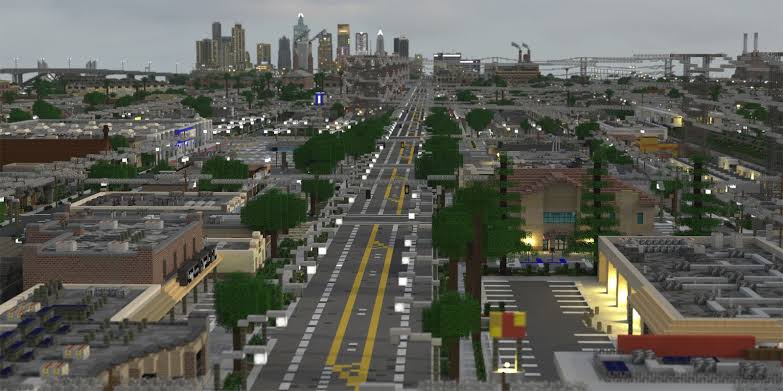
Walls need the same attention. Stick exterior air conditioning units on the side facade with trapdoors and iron bars, run rails along the wall as cable trays, and zigzag stairs and iron bars into fire exits on the rear. Billboards and privacy walls fill dead space nicely.
One rule keeps all of this honest: every detail should look like it does something.
Now let’s connect the building to its neighbors.
Fitting Each Building Into the Skyline
Walk around the block before you place the last window. Check the front facade, side facade and rear facade, then fly up for an aerial perspective. Neighboring buildings should step up and down by 10 to 20 blocks instead of matching roofline for roofline. Vary your facade fillers so two towers never share a twin.
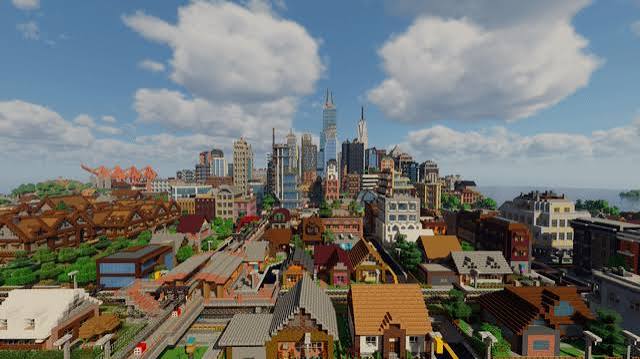
Link everything with sidewalks, crosswalks, and street lamps. Leave at least one block between structures, or share a wall on purpose, like a townhouse row. Place one landmark, such as a tall tower or a plaza fountain, so the skyline has a focal point.
That covers design. Now for the speed trick.
How to Copy and Paste Minecraft Buildings Without Making Clones
A city needs dozens of buildings, so duplicating saves hours. On Java, install WorldEdit, then use //pos1, //pos2, //copy, and //paste.
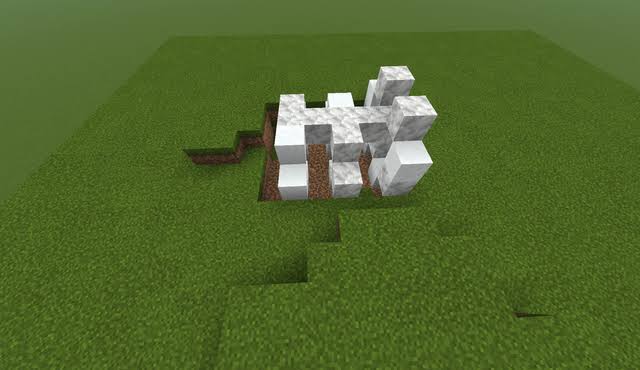
Wondering how to copy and paste builds in Minecraft Bedrock? Use a structure block, which saves areas up to 64 by 64 by 64, or the /clone command, which moves up to 32,768 blocks at once.
Anyone asking how to copy builds in minecraft should know the catch: identical twins ruin a skyline. After every paste, change the roof, one accent block, and the ground floor.
Nine Steps for How to Build a City in Minecraft From Scratch
Lay the foundation:
- Choose the purpose and location.
- Mark the footprint with colored concrete.
- Build the main massing.
- Divide it into bottom, middle and top sections.
Then finish it:
- Add windows and major features.
- Add infrastructure and rooftop equipment.
- Connect the entrance to the street.
- Add lighting, signs, and finishing touches.
- Inspect it from different distances.
Step nine catches about half my mistakes, so don’t skip it.
Common Mistakes When Learning How to Build a City in Minecraft
Identical floors are the biggest giveaway. Too many block types come second. Third is scale: a 200-block tower on a narrow street looks absurd. Bare rooftops and empty side walls come next, followed by decoration without purpose. If you can’t explain why a detail exists, delete it.
FAQ: Building Better Minecraft City Buildings
What is the best size for a Minecraft city building?
A footprint of 15 to 30 blocks and a height of 40 to 120 blocks suits most streets.
How do you build a city in minecraft that feels alive?
Add varied heights, lit windows, signs, parked cars, and small details around street-level shops.
What blocks are best for city buildings?
Concrete, stone bricks, quartz, and glass panes, with trapdoors and iron bars for detail.
How do you make a building less boring?
Break flat walls every five blocks, vary floors, and give the rooftop real equipment.
How to build a city in Minecraft quickly?
Design three strong building types, then copy and tweak them across your plots.
Final Thoughts
The secret to how to build a city in minecraft isn’t size; it’s context. Plan the streets, give every building a purpose, keep your palette tight, and detail the roof. Your next step is simple: pick one empty plot today and build a single ground floor properly before anything else.
Recommended Articles
How to Mine in Minecraft: Quick Guide to Ores, Depth & Safety
What Do You Do in Minecraft? Your First Day Survival Guide
Minecraft Online: How to Play With Friends, Multiplayer Options & Safety Guide
How Do You Jump in Minecraft? Distance, Height & Movement Guide
What to Put in a Minecraft House: 25+ Ideas for Every Builder