
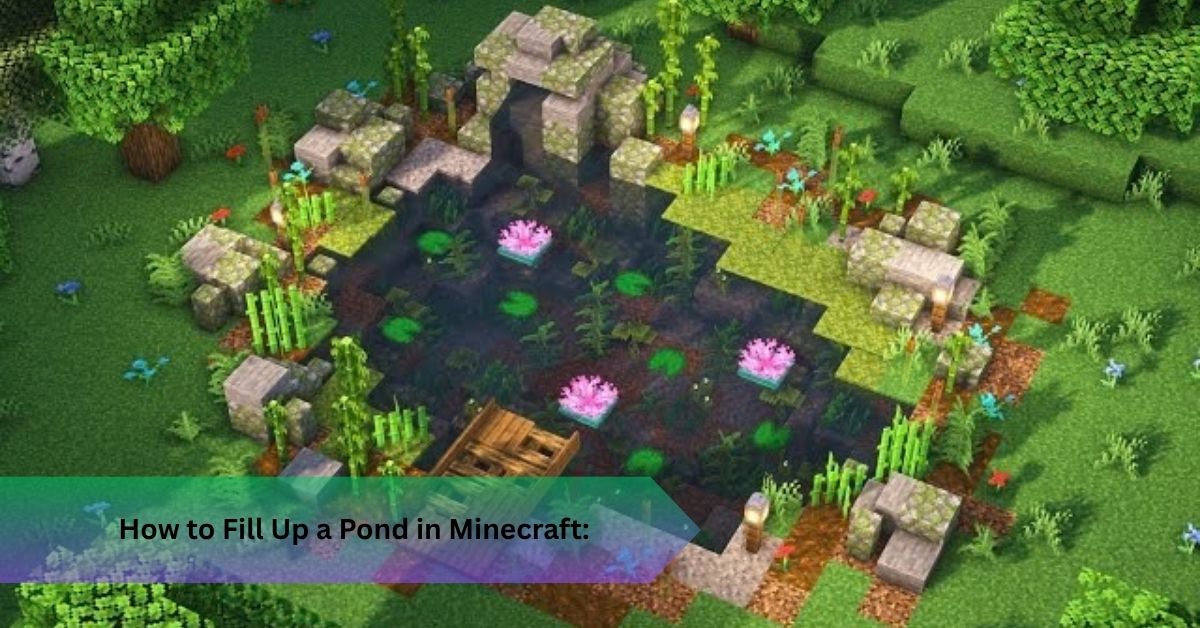
How to Fill Up a Pond in Minecraft: 7 Water Bucket Steps
You dug a neat hole beside your base, and now it sits there, dry and a little embarrassing. Learning how to fill up a pond in minecraft takes one iron tool and about ten seconds, yet most players do it the slow way and burn through trips to the nearest river.
Everything hinges on the bucket. Craft one, understand how source blocks behave, and any pit turns into a pond. Below you’ll find the recipe, the corner trick I use to flood a pond quickly, and the mistakes I keep spotting in survival mode worlds.
Quick Answer: Craft a bucket from three iron ingots at a crafting table, scoop water from any source block, then place it in your pit. Put water in two spots with one empty block between them and that gap turns into water by itself. That is how to fill up a pond in minecraft without endless refills.
How to Fill Up a Pond in Minecraft: What You Need First
Three iron ingots. That’s the whole price tag. Iron ore shows up in caves and along mountain faces, and you smelt each piece in a furnace with any fuel, coal being the usual pick. One ore gives one ingot, so you’re mining three pieces and nothing more.
Your inventory grid can’t handle this recipe because it’s three slots wide. Place a crafting table and use that instead.
Iron is the only real gatekeeper here. If you have none yet, dig into the nearest cave and come back. Ten minutes underground usually settles it, and early game survival rarely offers a better use of ten minutes.
Once the ingots are in your pocket, crafting takes seconds.
How to Make a Pond in Minecraft: Step by Step
Here’s the sequence I follow every time:
- Smelt three iron ore into ingots.
- Open your crafting table.
- Place one ingot in the middle left slot, one in the middle right slot, and one in the bottom center slot. You’ve drawn a V.
- Take the empty bucket from the result box.
- Right-click a water source on Java Edition, or press the place button on Bedrock Edition, to fill it.
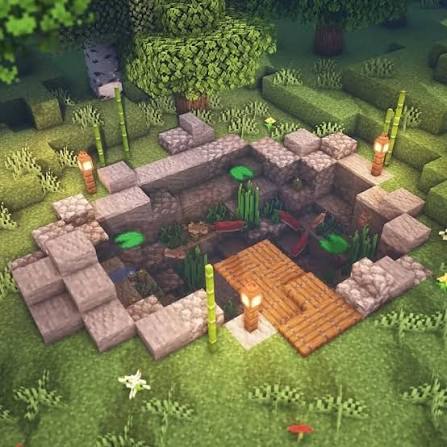
- Dig a pit three blocks wide, three long, and one deep.
- Place your first water in a corner.
That last step is where most people stall. One puddle in one corner doesn’t make a pond, and there’s a reason.
How to Fill Up a Pond in Minecraft Without Wasting Water
Here’s what most guides skip. Water you place from a bucket is a source block. Water that spreads from it is flowing water, and you can’t scoop that back up. Flowing water travels about seven blocks across flat ground, thinning as it goes, then vanishes the moment its source disappears.
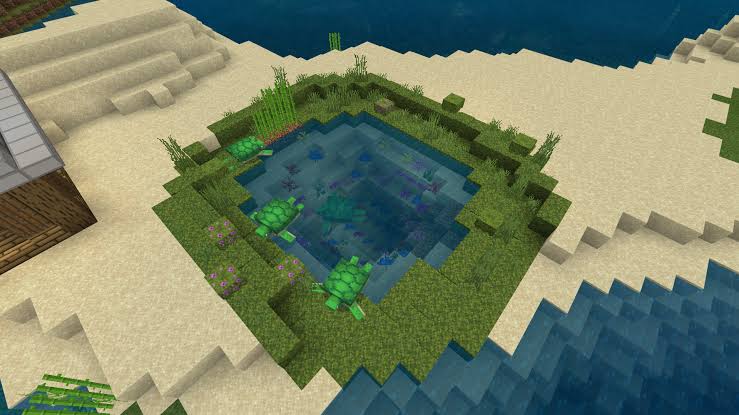
So a wide pit ends up soggy at the edges and dry in the middle.
The fix is a rule Minecraft quietly enforces: an empty block touching two source blocks on its sides becomes a source itself. Place water in two corners along one edge and the block between them fills instantly. Repeat on the opposite edge, and the middle row follows. Your whole pit is now source water, and it never drains.
One bucket is enough. Scoop from the middle block of your first pair, which refills on its own, and carry that water wherever you need it. I’ve flooded an entire base moat this way with a single bucket and some patience. Anyone still unsure how to fill up a pond in minecraft cheaply should start with this rule.
Bigger water bodies follow the same logic.
How to Make a Lake in Minecraft With the Same Trick
Dig your basin, then place sources on alternate blocks along every second row. Gaps fill themselves, and the rows between fill from the rows above and below. A twelve by twelve lake needs roughly forty placements instead of one hundred forty four. Players asking how to make lake in minecraft rarely hear this, and it saves an evening.
In creative mode you can skip the trick entirely, since water buckets never run out. Survival is where the rule earns its keep.
How to Make a Waterfall Minecraft Builders Can Copy
Waterfalls are the fun payoff. Stand on a cliff edge, place one bucket of water, and watch it cascade down. A single source block feeds it forever, and the falling column keeps its strength all the way to the ground.
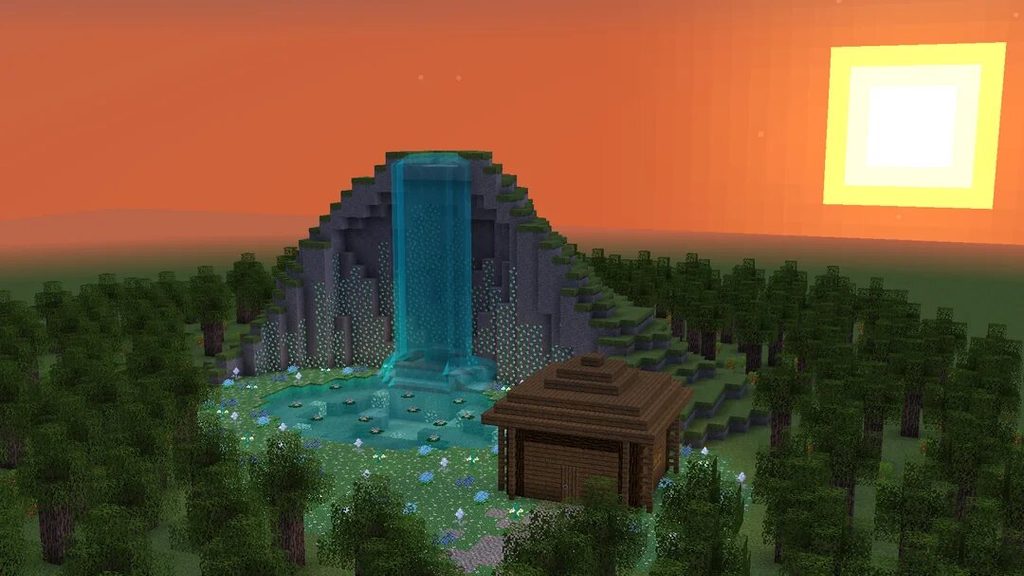
Stagger two or three sources at different heights and you get that layered, cascading look. That’s also how to make waterfall minecraft scenes land in the pond you just built. Bonus: falling into water at least one block deep cancels fall damage, so your pond doubles as a safety net.
What a Water Bucket Does After You Know How to Fill Up a Pond in Minecraft
Picture this. You’re mining at dusk, a creeper blows a hole near your wheat, and fire creeps across the crops. One bucket ends that in a second.
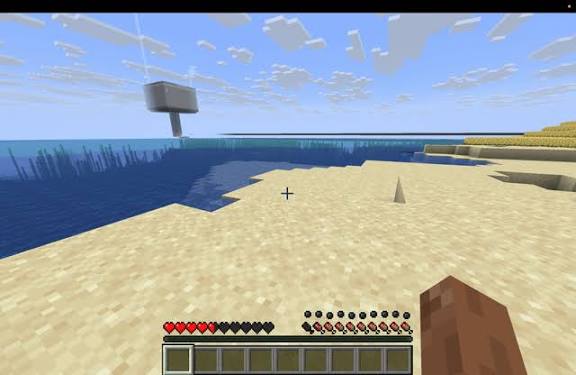
That’s only one use. A single water source hydrates farmland within four blocks, so a block in the middle of a nine by nine plot irrigates eighty crops. Water poured onto a lava source makes obsidian, while flowing lava turns to cobblestone, which is basic lava management. Mob farms and mob grinders use flowing water to push mobs down channels toward a drop. Moats slow and shove attackers, underwater bases need water control, and a dispenser loaded with a bucket adds redstone contraptions to the list.
Next, a quick look at how the other buckets compare.
Water Bucket vs Other Buckets
- Empty bucket: your starting tool, used to scoop liquids.
- Water bucket: placement, farming, safety, and fire control.
- Lava bucket: fuels a furnace for 100 smelted items, but demands respect.
- Milk bucket: comes from cows and clears potion effects, though you can’t place it.
Buckets have no durability, which makes them a reusable tool. You only lose one by dying in the void or leaving it behind.
Recipes and mechanics match across Java and Bedrock. Controls differ, and mods like Create or Better With Mods add pipes and pumps, though the vanilla bucket stays the foundation.
Common Mistakes and Advanced Tips
The classic slip in how to fill up a pond in minecraft is trusting flowing water. Break the source and everything drains. Another trap is the Nether, where water evaporates on contact, so bring a stone block or two to build a safe pocket instead.
Keep your bucket in a hotbar slot you never overwrite. Store spare water in a chest as a filled bucket, and keep lava away from your builds until you’re sure of the flow direction. Once you’re comfortable, try using slabs and solid blocks to steer streams, or add a dispenser for hands free refilling. My favorite small upgrade is a hidden source above a farm that feeds itself.
Water Bucket FAQs
Can you make a water bucket without iron?
No. The bucket needs three iron ingots.
Can you fill a bucket with rain?
No. You need a source block such as a lake, river, or your own pond.
Can water put out fire or lava?
It extinguishes fire, and turns lava into obsidian or cobblestone.
Does it work in Java and Bedrock?
Yes, with the same recipe and behavior.
Can a bucket be used forever?
Yes, since it has no durability.
What’s the best early game water source?
A pair of source blocks with a gap between them, which gives you infinite water.
Conclusion
Now you know how to fill up a pond in minecraft: craft a bucket from three iron ingots, place two sources with a gap, and let the game do the rest. The same trick builds lakes, and it makes every waterfall you attempt easier. Your next move is simple. Dig a small pit tonight, test the corner method, and see how fast it fills.
Recommended Articles
How to Mine in Minecraft: Quick Guide to Ores, Depth & Safety
What Do You Do in Minecraft? Your First Day Survival Guide
Minecraft Online: How to Play With Friends, Multiplayer Options & Safety Guide
How Do You Jump in Minecraft? Distance, Height & Movement Guide
What to Put in a Minecraft House: 25+ Ideas for Every Builder