Already Joined Game as This User Minecraft: 7 Quick Fixes
You click Play, the loading bar crawls forward, and then the Already Joined Game as This User Minecraft error slams the door. Your own account is locking you out.
Here’s what most guides miss. This error, and half the other sign-in headaches players report, usually traces back to how the game got installed. If the Microsoft Store version fights your launcher, learning how to get Minecraft without the Microsoft Store can fix the problem at its root.
Quick Answer: Yes, you can get Minecraft Java Edition without the Microsoft Store. Download the official Minecraft Launcher from minecraft.net and sign in with the Microsoft account that owns the game. Bedrock on Windows still relies on the Store and Gaming Services components. If you see an “already joined” message, close every Minecraft process, wait two minutes, and sign in again.
How to Get Minecraft Without Microsoft Store: What It Really Means
Two different goals hide behind this search. Some players want to skip the Store app. Others want to skip Microsoft altogether. Only the first is possible.
Skipping the Store never means skipping the account. Mojang moved every legacy account to Microsoft logins, so Java and Bedrock both need one.
Java Edition runs on Windows, macOS, and Linux, and modders love it. Minecraft for Windows is the Bedrock version, tied closely to Xbox services. Java is the easy case for a Store free install.
You also need a licence on your account. The PC bundle with both editions has typically sold for around $29.99 in the US, though prices shift by region. Mojang said in October 2023 that Minecraft passed 300 million copies sold, so the licensing system is well tested.
Now for the practical part.
Three Ways to Get Minecraft Without Microsoft Store on Windows
None of these touch the Store app.
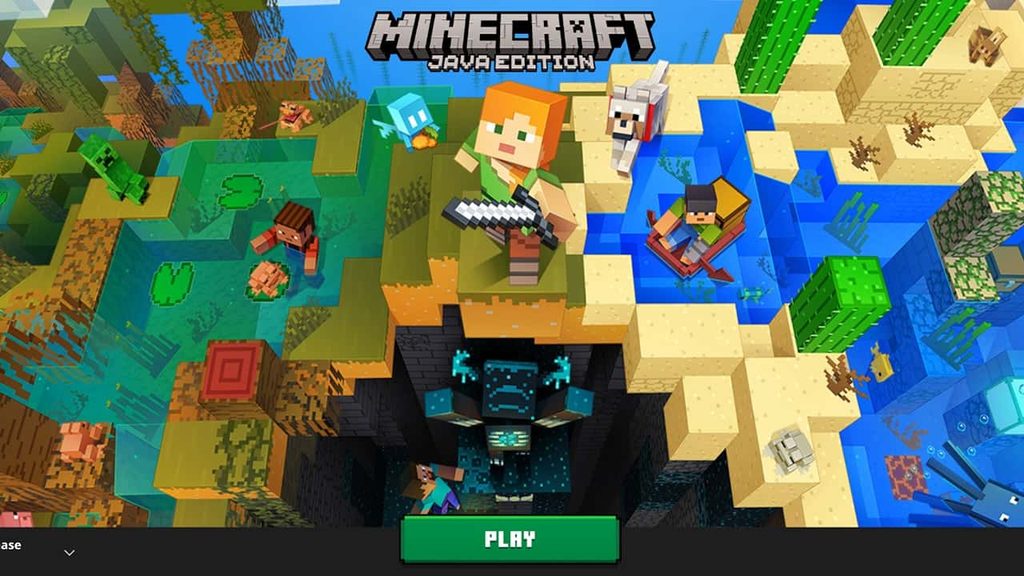
Method 1: The official website. Open minecraft.net, go to the Download page, and pick Windows. Sign in with your Microsoft account, choose the edition you own, and run the installer.
Method 2: The standalone launcher. Grab the installer from the same official page, never a random mirror. Run it, let it finish, and sign in.
Method 3: The launcher already on your PC. Search your Start menu for Minecraft Launcher, open it, and let it update. Then press Play.
All three end in the same launcher, so the real question is which edition you own.
Step by Step: Install Minecraft Without Using Microsoft Store
- Check your edition. Visit your profile on minecraft.net and confirm the licence exists on the account you plan to use. This one check prevents most “game missing” panic.
- Sign in with the right account. People with school, work, and personal emails often buy on one and log into another.
- Download the launcher from minecraft.net only. Fake download pages rank surprisingly well for this search.
- Install it. Accept the defaults. It takes about a minute.
- Pick Java or Minecraft for Windows from the left hand list.
- Press Install, then Play. Java needs a few hundred megabytes on first launch.
- Verify. Create a test world and walk around for a minute. A world that loads proves the install works.
What if you don’t own the game yet?
Can You Download Minecraft Without Buying It?
Without a licence, the launcher lets you sign in but keeps Play locked. Java Edition has a demo mode lasting roughly 100 minutes of real time, about five in-game days. Bedrock offers its own trial through Microsoft. Both are legal and enough to decide.
Cracked copies are a different story. They break the licence terms and can’t use official multiplayer authentication. Fake launchers also have a record of carrying credential stealers, and losing an account costs far more than $30.
What If the Minecraft Launcher Requires Microsoft Store?
Sometimes Windows pushes you toward the Store anyway. Bedrock and a few launcher components lean on Store infrastructure. Java rarely does, so a redirect when you chose Java usually means a broken component. Work through this order:
- Update Windows. Use a fully updated 64 bit Windows 10 or 11, then restart. Pending updates cause more launcher trouble than people expect.
- Repair the launcher. Open Settings, then Apps, find Minecraft Launcher, and choose Advanced options. Try Repair first. Reset only if repair fails, because it clears local settings.
- Reinstall it. Uninstall, restart, and install a fresh copy from minecraft.net. Avoid old Store shortcuts.
- Check Gaming Services. Bedrock depends on it, and a missing or stuck copy sends you back to the Store.
Be realistic about one thing. Bedrock on Windows leans on Store backed components, so a fully Store free Bedrock setup isn’t something Microsoft supports. Java is your clean exit.
Already Joined Game as This User Minecraft: Fixing Sign In Problems
Wording varies between versions and servers, but the cause is almost always a session that never closed properly.
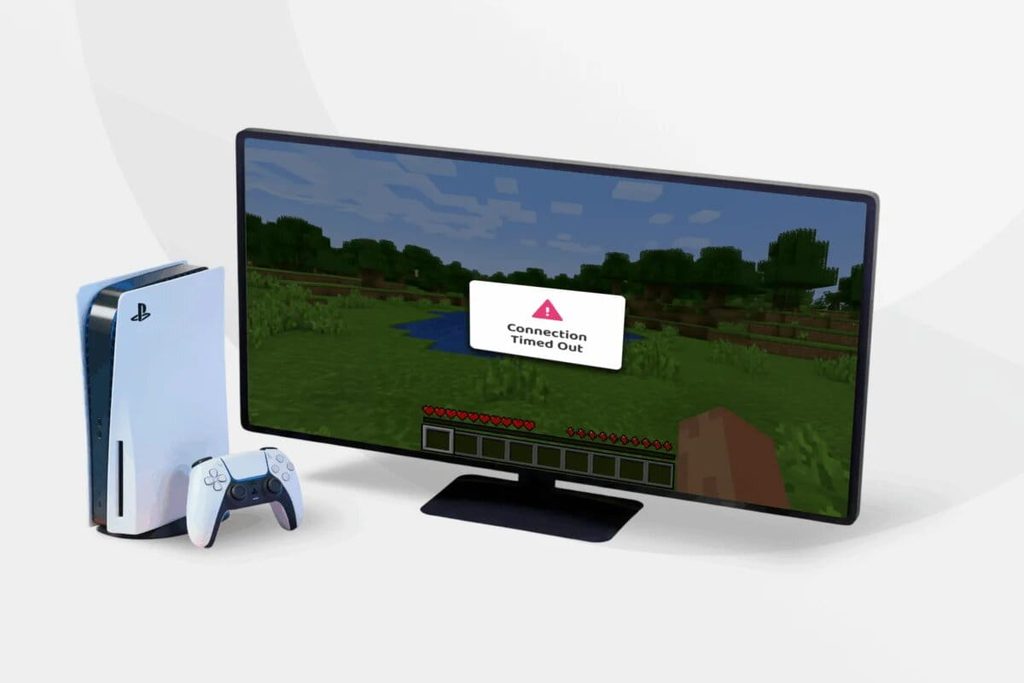
Game says it’s already running. Your last session crashed, but Windows still holds the process. Open Task Manager and end every Java or Minecraft entry. Prefer Command Prompt? Run taskkill /f /im javaw.exe. Wait two minutes, then relaunch.
Device limit error. Microsoft caps how many devices can hold a Bedrock licence. Sign out of the Store or Xbox app on devices you no longer use.
Launcher won’t open. Reboot first. If that fails, repair, then reinstall.
Game missing from your library. Nine times out of ten, it’s the wrong account. Sign out fully, restart the launcher, and log in with the owner account.
Install stuck. Free up disk space, pause antivirus briefly, and retry. School and work networks sometimes block downloads.
Already Joined Game as This User Minecraft on Servers and Realms
This is where the error hurts most.
Picture it. It’s Saturday night, three friends wait on your private server, and you alt tabbed out after a crash two minutes ago. You relaunch, type the server IP address, and get told you already joined. Nothing is wrong with your account. The server simply hasn’t noticed your first session died.
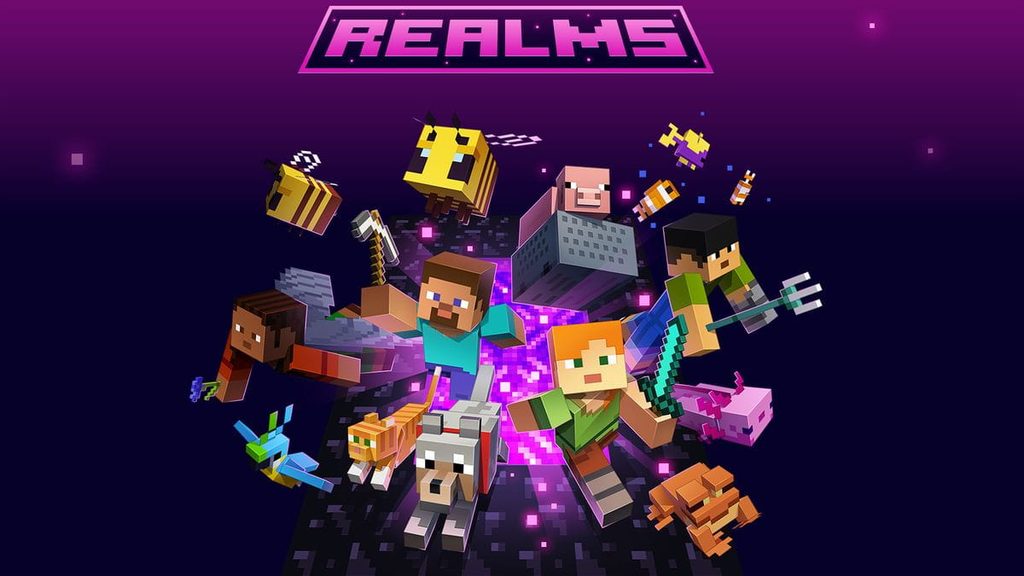
Server connection errors like this come down to timing. Public servers usually drop dead sessions within a minute or two, while a private server hosted from a home PC can lag behind. Minecraft Realms, Microsoft’s paid hosting option, tends to clear stale connections faster because Mojang runs the infrastructure. Self-hosted worlds depend entirely on the host, and that host dependency is the weak spot of shared world access.
Compare this with Roblox, where creator-run worlds live inside the client and one click gets you in. Minecraft makes you copy an IP address into a menu. Server discovery stays outside the game, and mods usually need manual downloads. Server owners fund hosting through donations, microtransactions, and in-client messaging. Roblox wins on ease of access. Minecraft wins on freedom, and the Minecraft community built its whole creator ecosystem on that trade.
If you host a Java server yourself, start it with a batch file and keep maintenance simple: restart cleanly, never force close, and ask players to wait before rejoining after a crash.
Minecraft Java Edition vs. Minecraft for Windows
| Feature | Java Edition | Minecraft for Windows |
| Platform | Windows, macOS, Linux | Windows |
| Launcher | Official Minecraft Launcher | Official Minecraft Launcher |
| Mod support | Extensive | More limited |
| Bedrock features | No | Yes |
| Cross platform play | Limited | Supported with Bedrock players |
Choose Java for mods, custom profiles, and huge public servers. Choose Bedrock for crossplay with consoles and phones. Plenty of people buy the bundle and use both. Can you install Java without the Store? Completely. Bedrock? Not in a way Microsoft officially supports.
Should You Use an Alternative Launcher?
Prism Launcher, MultiMC, and ATLauncher are respected among modders, and they manage multiple profiles better than Mojang’s own launcher. They don’t replace your licence, so you still sign in with the Microsoft account that owns the game.
Download them only from their official project pages, because imitation sites exist for every popular one. Expect updates to lag a few days behind new Minecraft releases. Pick one if you run modpacks or several instances. Skip it if you just want vanilla survival with friends.
Frequently Asked Questions
Can I install Minecraft without Microsoft Store?
Yes. Java Edition installs through the official launcher from minecraft.net.
Do I need a Microsoft account to play Minecraft?
Yes. Every current copy requires one.
Can I install Minecraft for Windows without Microsoft Store?
Bedrock still depends on Store and Gaming Services components, so plan on those being present.
Why does Minecraft keep opening Microsoft Store?
A damaged launcher or missing Gaming Services is the usual culprit. Repair or reinstall the launcher.
Can I get Minecraft for free without Microsoft Store?
Only through the official demo or trial. Pirated copies carry real risk.
Is it safe to use a third party Minecraft launcher?
Yes, when you download it from the project’s official site and sign in through Microsoft’s own login page.
Final Takeaway
You don’t need the Store to play Java Edition. The official launcher from minecraft.net does everything, and it often fixes the odd redirects and ownership glitches the Store version causes. Just remember that skipping the Store never means skipping your Microsoft account.
If the already joined game as this user Minecraft error returns, end every Minecraft process, wait two minutes, and sign back in. Still stuck? Check which account owns the game before you reinstall anything.
Next step: open minecraft.net/profile right now and confirm your licence. It takes ten seconds and saves hours.
Recommended Articles
Gas Station Tycoon Codes: All Working Roblox Codes
Gaming Memes: The Funniest Memes Every Gamer Understands
Gaming Rumours: 7 Signs a Leak Is Worth Believing
Video Game Blog: News, Reviews, Guides, and What to Play
Multitask Game: Test Your Focus, Speed, and Multitasking Skills